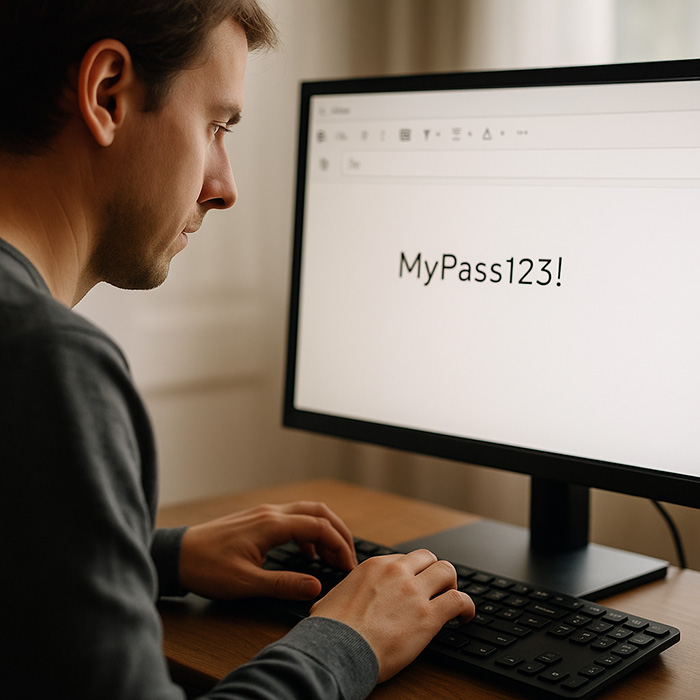
In a world where data breaches and cyberattacks are becoming more frequent, password managers have become the go-to solution for many people. But while they offer convenience, they also come with hidden risks. Storing all your passwords in a single digital vault creates a single point of failure. If a hacker gains access, every account you own is compromised.
Most password managers rely on cloud storage. This means your encrypted vault is hosted on servers that can still be targeted by hackers. Even “zero-knowledge” encryption doesn’t protect against phishing, human error, or malware on your devices.
Cloud Breaches: If the service provider gets hacked, your vault could be exposed.
Phishing Attacks: Hackers can trick you into giving up your master password.
Device Vulnerability: Malware on your phone or PC can capture keystrokes.
🔴 LastPass Breach (2022): Hackers stole encrypted vault data and obtained sensitive metadata after breaching LastPass’s cloud storage. Although the vaults were encrypted, the attackers gained access to critical information, including URLs and email addresses linked to accounts.
🔴 OneLogin Breach (2017): OneLogin suffered a severe data breach where attackers gained access to the company’s AWS keys, allowing them to decrypt sensitive customer data in real-time.
🔴 Keeper Security (2017): A vulnerability in Keeper’s browser extension exposed users to a bug that could allow websites to steal stored passwords.
🔴 Bitwarden Phishing Attacks (2023): While Bitwarden itself hasn’t been breached, users are frequently targeted with phishing attempts that mimic official login pages, tricking them into revealing their master passwords.
Sources:
LastPass Breach (2022): https://blog.lastpass.com/2022/12/notice-of-recent-security-incident/
OneLogin Breach (2017): https://www.infosecurity-magazine.com/news/onelogin-unauthorized-access/
Keeper Security Vulnerability (2017): https://blogs.manageengine.com/desktop-mobile/desktopcentral/2017/12/22/keeper-leaves-windows-10-systems-vulnerable-to-password-theft.html
Bitwarden Phishing Attacks (2023): https://www.bleepingcomputer.com/news/security/fake-bitwarden-sites-push-new-zenrat-password-stealing-malware/
While password managers are better than reusing the same weak passwords, they are not foolproof.
For those who want maximum control over their digital security, offline password encryption systems offer a safer option.
One such solution is Enigma Passwords — a visual encryption system that lets you create and decode complex passwords without using any apps, software, or internet connection.
You start with a simple, easy-to-remember password, like “Amsterdam123”. Then, using your personalized EnigmaPasswords Coding Table, you substitute each letter and number with unique symbols from your card.
Example:
Original Password: Amsterdam123
After Encryption: $Y5uGL#$YBsF
Each card contains a unique set of codes, so no two cards are the same. Only you know how to decode your passwords.
You can choose from four variations, depending on how you prefer to use it:
Laser-engraved on a premium metal plate.
Comes with a sleek gift box.
Perfect for daily use or as a unique gift.
Credit card size, durable, and designed for your wallet.
Lightweight and practical.
Directly downloadable after purchase.
Printable PDF to keep in a personal notebook, folder, or safe.
Perfect for home or office use.
Directly downloadable to your device.
Optimized image format to store on your smartphone.
Always have your encryption table with you on the go.
No Cloud, No Apps: Hackers can’t breach what’s not online.
Unique Per User: Every card is different; only you understand your encoding logic.
Simple Yet Effective: You don’t need technical knowledge to create unbreakable passwords.